Designing AI agents users can understand and control
Design AI agents with clear permissions, useful approvals and honest progress states. A practical UX guide for SaaS teams building products users can control.

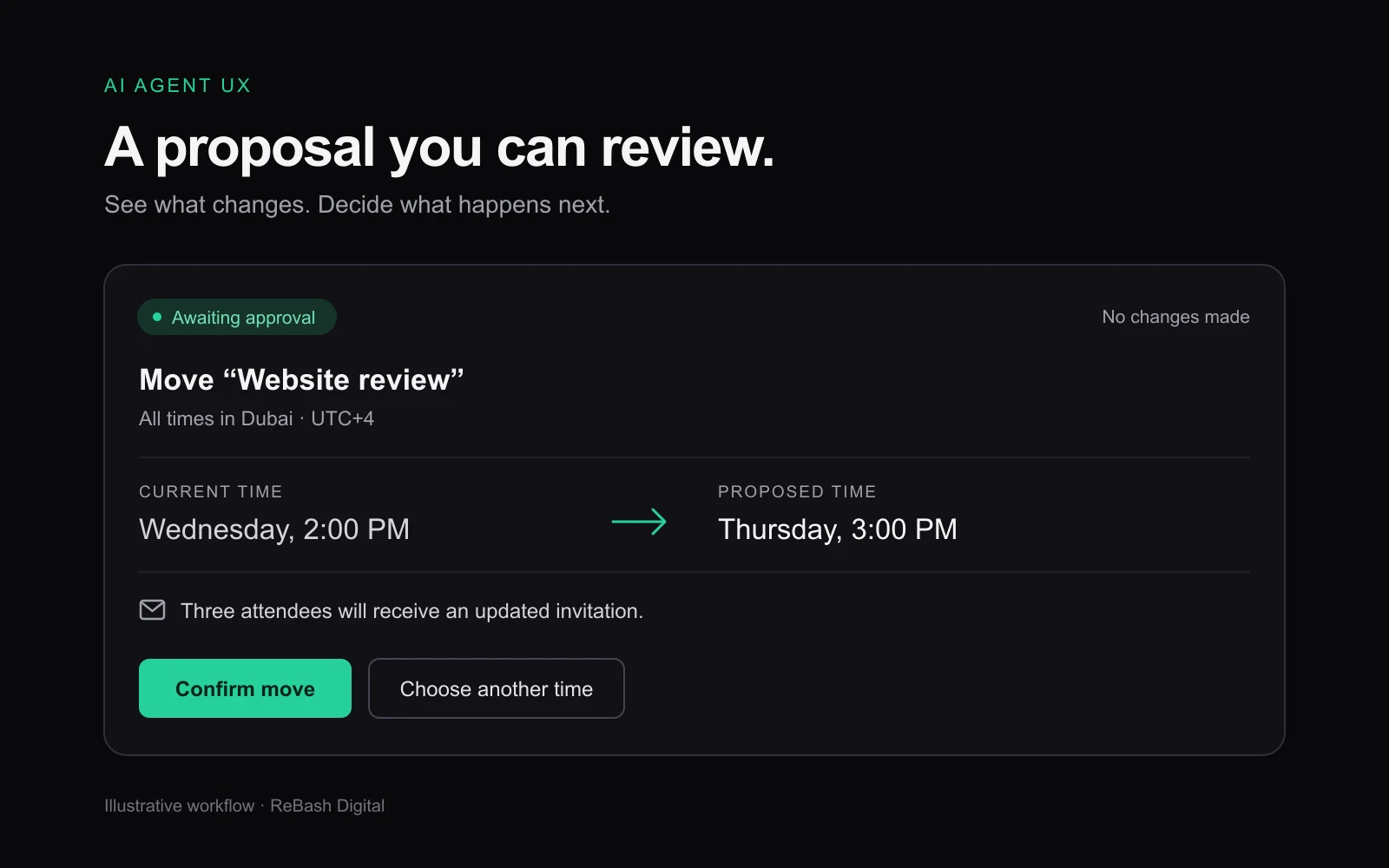
Imagine asking a calendar agent to move a client meeting to Thursday. It finds a free slot and prepares the change. Before anything happens, you can see the meeting, the new time and who will receive an updated invitation.
That review takes a few seconds. It also gives you a chance to notice that the agent selected the wrong meeting.
AI agent UX design needs to make those moments clear. When a product can take actions across calendars, inboxes or business tools, people need to understand what they have asked it to do, what it can change and what has actually happened.
The scheduling examples below are illustrative. They show how to design the interaction around a concrete task, without assuming that every action should happen automatically.
Define the task and the agent’s permission separately
“Help me manage my calendar” leaves a lot open. It could mean finding free time, drafting invitations, moving existing meetings or cancelling them.
Start with a narrower job: find three available times for a client call. Then decide which actions the agent is permitted to take while completing it.
For an initial version, it might read availability and prepare a suggestion. Sending invitations could require approval. Cancelling an existing meeting could remain outside the feature entirely.
Make these boundaries visible when someone connects their calendar. A short explanation such as “Find times and prepare invitations. You approve before anything is sent” sets a useful expectation. Microsoft’s HAX guidance on system capabilities recommends helping users understand the tasks an AI system supports.
The interface and implementation must agree. If the product promises approval before sending, engineering needs to enforce that boundary. A line of reassuring copy cannot provide the control on its own.
Give people enough context to review the proposal
A useful proposal shows the decision someone needs to make. For a meeting change, that includes the event title, old and new times, attendees and notification consequences.
An illustrative review panel could read:
Move “Website review”
Wednesday, 2:00 PM → Thursday, 3:00 PM
Times shown in Dubai time
Three attendees will receive an updated invitation.
Confirm move · Choose another time
Beside the proposal, show relevant evidence: which calendars were checked and whether availability could be confirmed. If one attendee’s calendar is unavailable, say so before approval.
Google’s People + AI Guidebook connects useful explanations with understanding a system’s capabilities, data sources and limitations. For this workflow, that means showing the information used to propose the slot and any important gaps.
Avoid adding a confidence percentage unless it has a defined, validated meaning that helps the decision. “Two calendars checked; one attendee’s availability is unknown” gives someone a specific issue to resolve.
Keep the explanation close to the action. People should be able to check the proposed change without reconstructing it from a long chat history.
Place approval where the consequences become clear
Asking for confirmation at every step makes the workflow tiring. Allowing every step to run automatically can give the agent more authority than the user intended.
Design the approval point around the action’s consequences and the scope already granted.
| Action in the scheduling example | Suggested interaction |
|---|---|
| Read availability from a connected calendar | Proceed within the access the user has granted |
| Prepare three possible meeting times | Show the options for review |
| Move an event and notify attendees | Show the exact change and obtain approval |
| Cancel an event or change a recurring series | Make the affected events and consequences explicit before approval |
These are design choices for this example, not a universal permission policy. The appropriate controls depend on the product, its users and the cost of getting the action wrong.
If the request could refer to two meetings, ask the user to select one. Microsoft’s guidance on handling uncertainty recommends clarification or a narrower service when the user’s goal is unclear.
Let people edit the proposed time, remove an attendee or dismiss the suggestion. If a new constraint changes the proposal after approval, return the changed action for review.
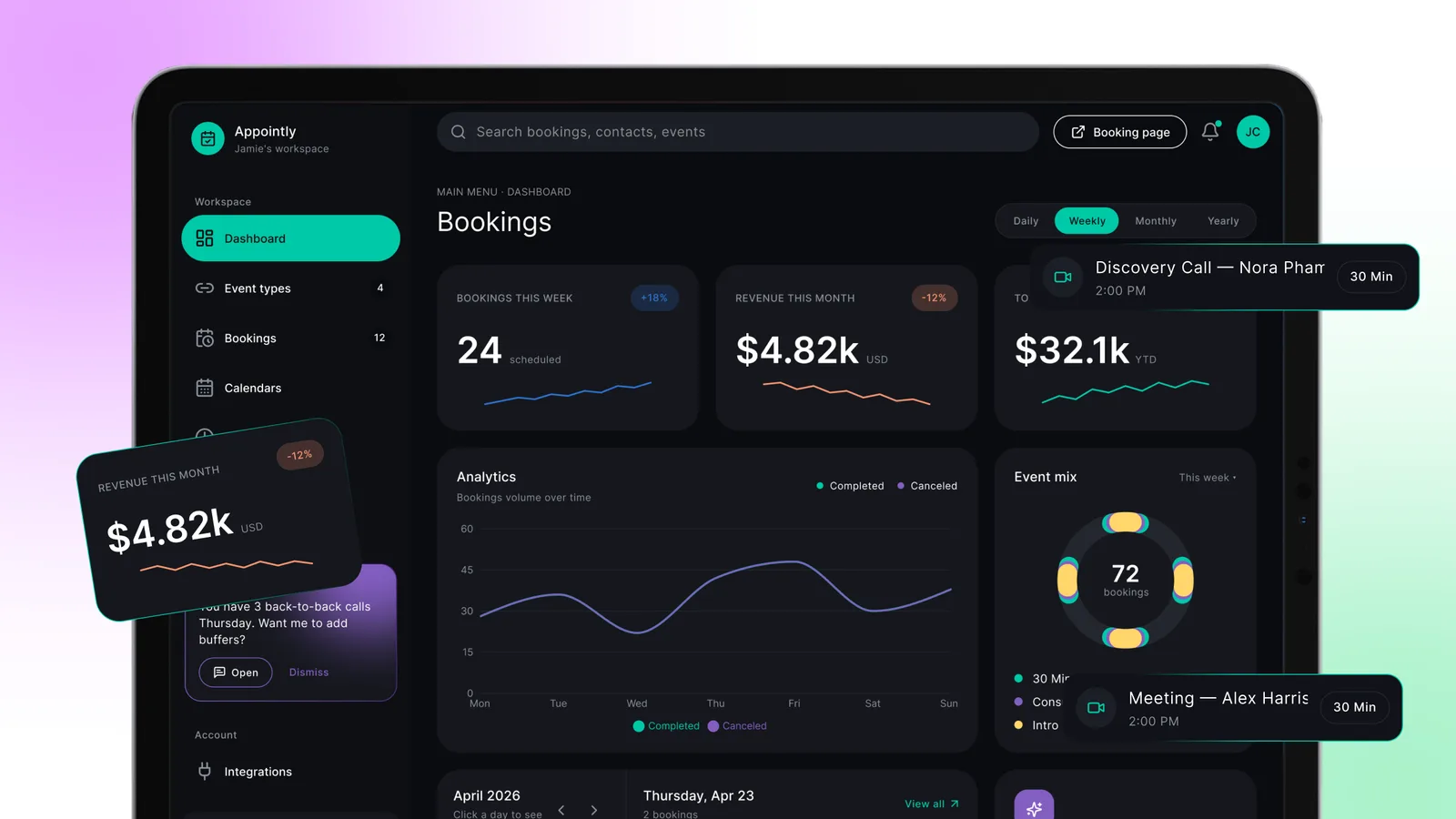
Our Appointly case study offers a related visual reference for contextual scheduling suggestions. The workflow described here is an illustrative design exercise, rather than a claim about Appointly’s implementation.
Show confirmed results and a practical recovery path
An agent can encounter several outcomes within one request. The calendar update might succeed while the invitation email fails. A network timeout might leave the result unknown.
Design those states explicitly:
- Awaiting approval: the proposed change is ready; no update has been made.
- Updating: the request is in progress; the result is not yet confirmed.
- Partially complete: the meeting moved, but the attendee notification failed.
- Outcome unknown: the connection ended before the result could be verified.
- Complete: the system has confirmed the intended change.
Status messages should reflect the underlying system’s result. In an unknown state, check what happened before encouraging a retry that could create a duplicate action.
Give each failure an appropriate next step: reconnect a calendar, choose another slot, retry only the failed notification or finish the task manually. Google’s guidance on AI errors treats a path forward as part of the experience.
A stop control also needs a clear meaning. It may prevent the next action without reversing an update already completed. If undo is available, explain its limits: restoring a meeting’s original time does not erase an invitation someone has already received.
Test whether people can stay in control
Test more than the successful demonstration. Give participants an ambiguous meeting name, a missing calendar, a changed attendee list and an interrupted update.
Observe whether they can identify what will change, correct a wrong proposal, recognise an incomplete result and continue without repeating completed work. Record where they need help. Completing the task quickly is useful only if the outcome is correct and understood.
For products serving UAE users, include the languages and time zones your audience actually uses. A Dubai-based team and an overseas customer may read the same appointment differently. Show the relevant time zones during review and confirmation. If Arabic is in scope, test the approval language, names, dates and right-to-left layout with people who use it.
Bring these decisions into the design brief: the task, permitted actions, approval points, completion states and recovery options. Our SaaS design-brief template gives your team a place to document them.
If you are adding an AI agent to a SaaS product, talk to ReBash about the workflow. Start with one task people need to complete, then design the decisions and controls that let them complete it with confidence.
Related projects