How to write a SaaS design brief your team can build from
Prepare your SaaS design project with a clear brief. Define users, scope, engineering constraints and handoff, with a reusable template for your team.

A useful design brief gives your designer enough context to make decisions. It explains who needs help, what they are trying to do and what your team can realistically deliver.
You do not need to arrive with every screen planned. You do need to make your priorities and uncertainties visible. For a UAE startup working across product, engineering and an external design partner, that shared starting point helps everyone review the same problem.
Here is how to put it together, with a short template you can use for your next project.
Start with one user and one task
“We need a modern SaaS dashboard” leaves the most important decisions open. Who opens it? What do they need to know? What should they do next?
Try writing the request as a task:
“A support lead needs to see which conversations have no owner and assign them before the next shift.”
That sentence gives the designer a role, a decision and a working context. It also gives your team a way to judge the proposed interface: can the lead find and assign those conversations?
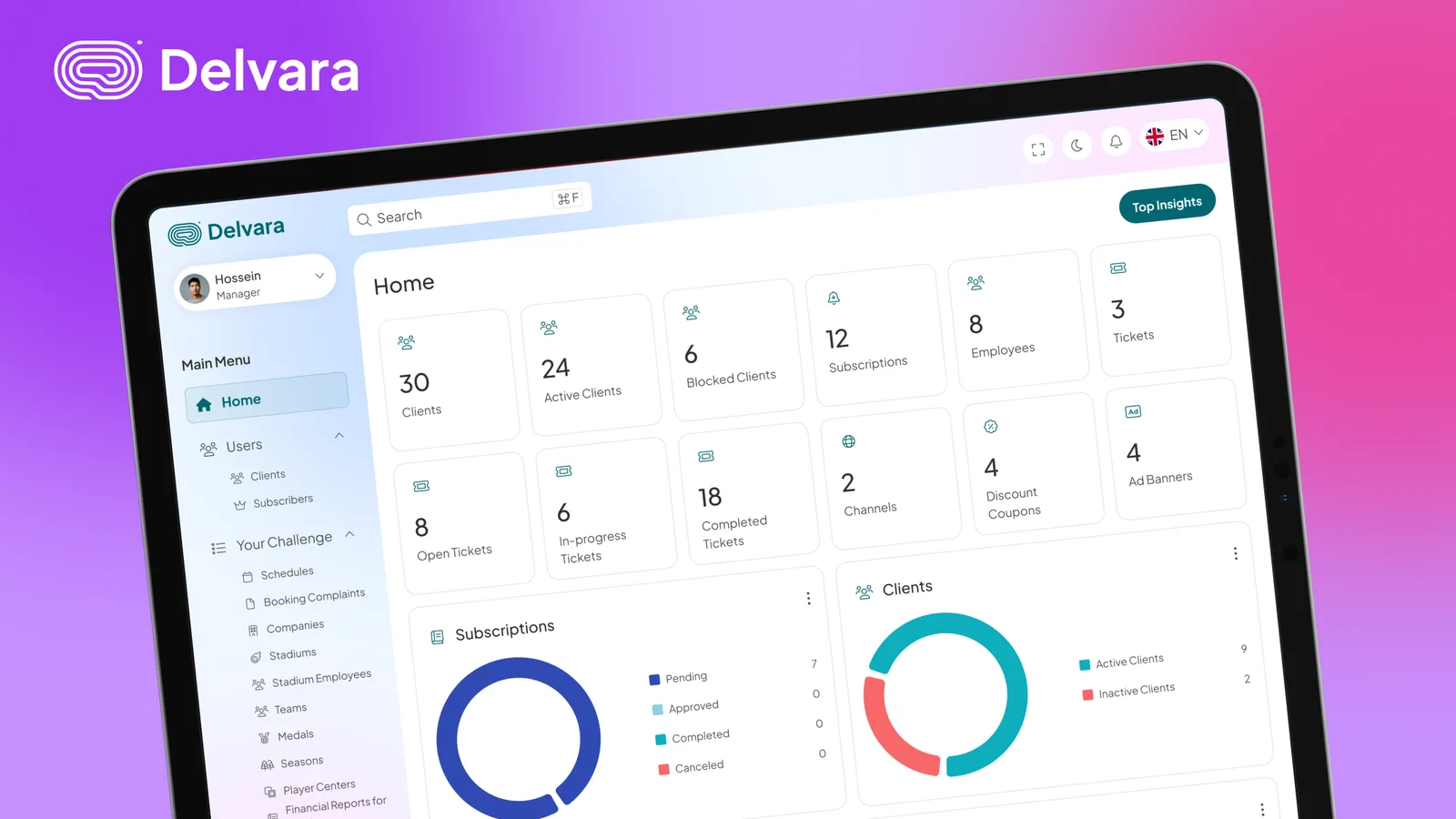
Our Delvara case study shows a related design problem: bringing conversations from multiple messaging channels into a shared support workspace. The useful starting point is the work someone needs to complete inside that workspace.
Choose a primary task for the first design scope. List other roles and workflows separately so they do not silently become part of the same request.
Separate evidence from assumptions
Give the designer what you already know. That might be a walkthrough of the current product, a few support tickets, interview notes or an explanation from the person who handles the workflow every day.
For each problem, distinguish the observation from your interpretation:
- Observation: three recent support tickets ask how to change a booking.
- Hypothesis: the reschedule action may be difficult to find.
- Question to investigate: can someone locate and complete that action without help?
This is an illustrative example, not a finding from a ReBash client project. Its purpose is to show how a brief can guide investigation without treating an assumption as a proven cause.
If your product is new and you have no usage data, say so. Record the assumptions you want to test rather than creating a conversion target with no baseline. Share anonymized examples where possible and arrange appropriate access for anything sensitive.
Define the first release and its boundaries
Describe the smallest complete workflow your team wants to deliver. “Booking management” could include availability, payments, reminders, cancellation, rescheduling and team permissions. Those decisions need to be visible before the interface is scoped.
For an illustrative scheduling project, a first release might include viewing availability, selecting a time and receiving confirmation. Payments and team scheduling could remain outside that release.
Include the states that affect whether the workflow works:
- What appears before someone has added any data?
- What happens while information is loading?
- What happens if a selected time is no longer available?
- Can someone correct a mistake or undo an action?
- Which actions require a different permission level?
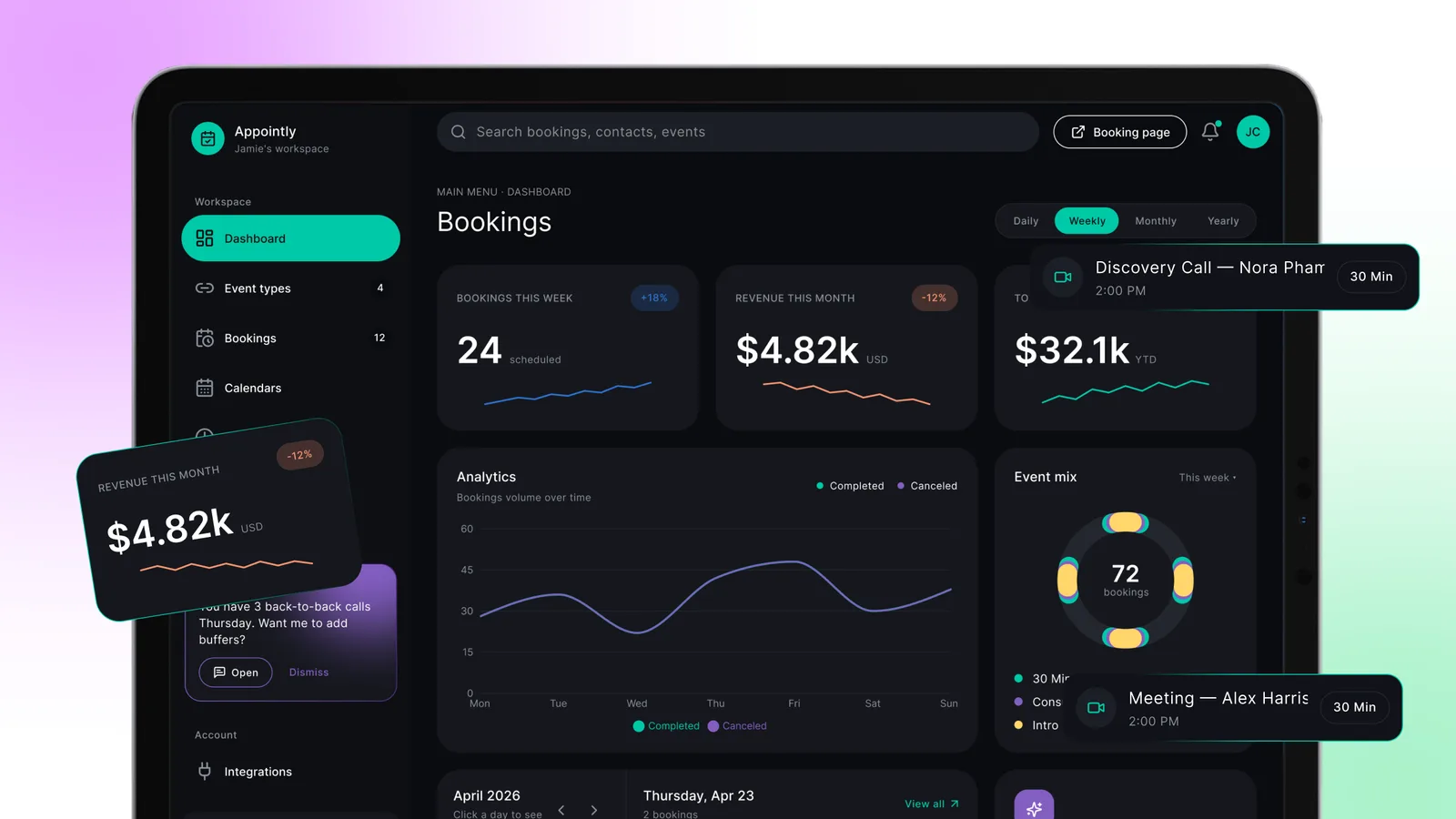
The Appointly case study provides a visual reference for a scheduling workspace and contextual suggestions. Use project examples to discuss particular decisions, rather than asking a designer to copy an entire product.
Bring engineering constraints into the brief
Ask an engineer to review the brief before detailed interface work begins. Identify the existing components, available data, permissions and integrations the design must work with.
For example, a design that promises live availability depends on how availability is obtained and refreshed. An interface should not imply that an action succeeded if the system has not confirmed it.
You can leave technical questions unresolved at the start. Give each one an owner and identify which design decisions depend on its answer. This lets the team distinguish work that can move forward from work that needs investigation.
If you already have a component library, share it alongside the product. Our article on design systems that scale explains how reusable foundations can support the next screen.
Make language and regional requirements explicit
For a product serving UAE users, specify the languages your audience actually needs. If Arabic is in scope, agree who supplies and approves the copy, who reviews right-to-left layouts and which workflows need testing in each language.
Also record the formats your product needs to support: currencies, phone numbers, dates and time zones. A booking tool used by a Dubai team and overseas customers needs a clear decision about which time zone appears during selection and confirmation.
These are product requirements to confirm with your team. A UAE audience alone does not establish that every project needs Arabic or a particular billing currency.
Agree on feedback and the definition of done
Name one person who consolidates feedback and approves the scope. Identify who reviews technical feasibility and who represents the users. Set review times with enough working-hour overlap for the people involved.
Then describe the expected handoff. Depending on the engagement, that could include:
- An agreed user flow and the screens needed to complete it.
- A clickable prototype for reviewing key interactions.
- Loading, empty, error and permission states.
- Components and notes describing behaviour.
- A handoff review with engineering and a record of open questions.
Design approval, completed implementation and a production launch are separate milestones. Put the actual milestone beside your deadline so everyone is planning toward the same deliverable.
A brief you can use today
Copy these prompts into your project document. Short, specific answers are enough to begin.
| Prompt | What to write |
|---|---|
| Primary user | Who needs to complete this task, and in what context? |
| Task | What should they be able to accomplish? |
| Current difficulty | What is happening today? Include evidence where available. |
| Assumptions | What do we believe but still need to check? |
| First-release scope | Which workflow and states are included? What is deferred? |
| Constraints | Which data, integrations, components and permissions must we use? |
| Languages and formats | Which languages, currencies and time zones are required? |
| Review owners | Who approves design, content and technical feasibility? |
| Deliverables | What must be handed over, and in which format? |
| Success check | How will we check that someone can complete the task? |
| Timing | When is the agreed milestone needed, and what could block it? |
The brief is ready for discussion when your team can explain the task, agree on the first scope and point to the questions that remain open. It can evolve as you learn.
If you are preparing a SaaS design project, bring that brief to a conversation with ReBash. For ongoing work, review our monthly design plans and included scope to see how your backlog could fit.
Related projects